

- Danish registration information (CVR number). Denmark only.
- Copy of passport for signing authorities (tegningsberettigede in Danish).
- Registration and bank account number.
- If you are not the owner of the company, you will need authority to sign on behalf of the company using NemID or MitID. Use this template before starting the application.
Applying for a new agreement
To apply for a Leverandørservice agreement, navigator to Leverandørservice. Click Create/alter agreement. You need to sign in using NemID or MitID with authority to sign on behalf of company. Once you are logged in, follow these steps to create the agreement:Images are provided by Mastercard Payment Services, in Danish only and may differ slightly from the actual application.
1
Company information
Fill in the personal information including full name, phone number and email. Click Next to continue.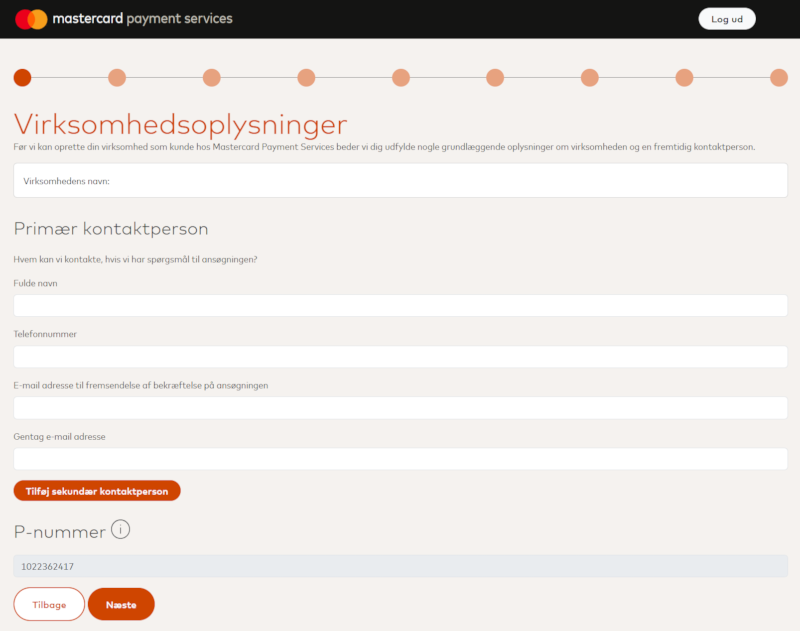
2
Antimoney laundering and KYC
Read through the antimoney laundering and KYC information. Click Next to continue.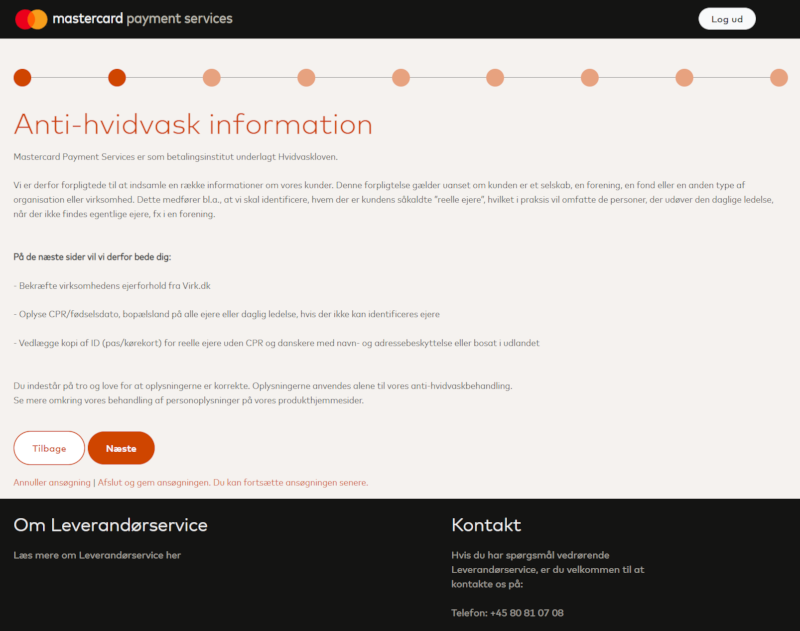
3
KYC - Confirm ownership
Review the ownership information, and either confirm or alter the pre-filled information. Click Next to continue.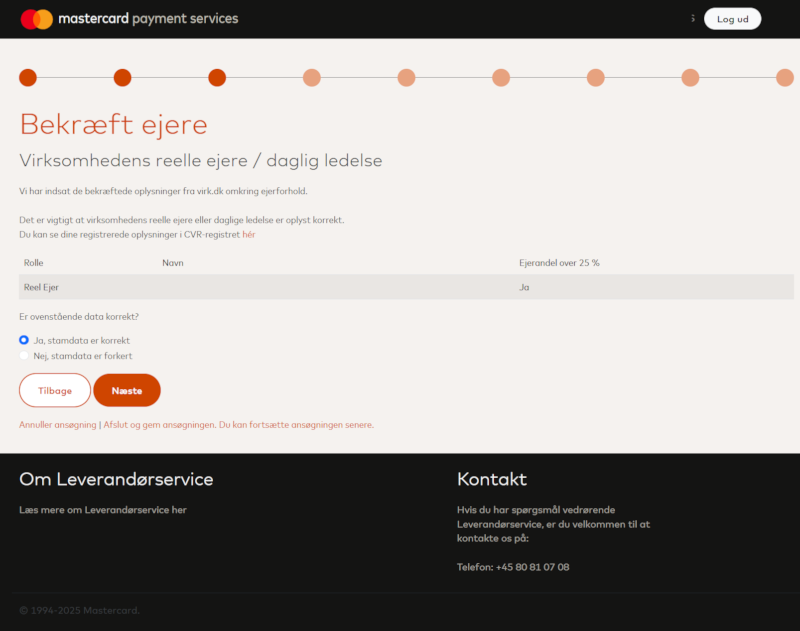
4
Leadership
Review the leadership information, and either confirm or alter the pre-filled information. Type the CPR for danish citizens and upload any needed documentation. Click Next to continue.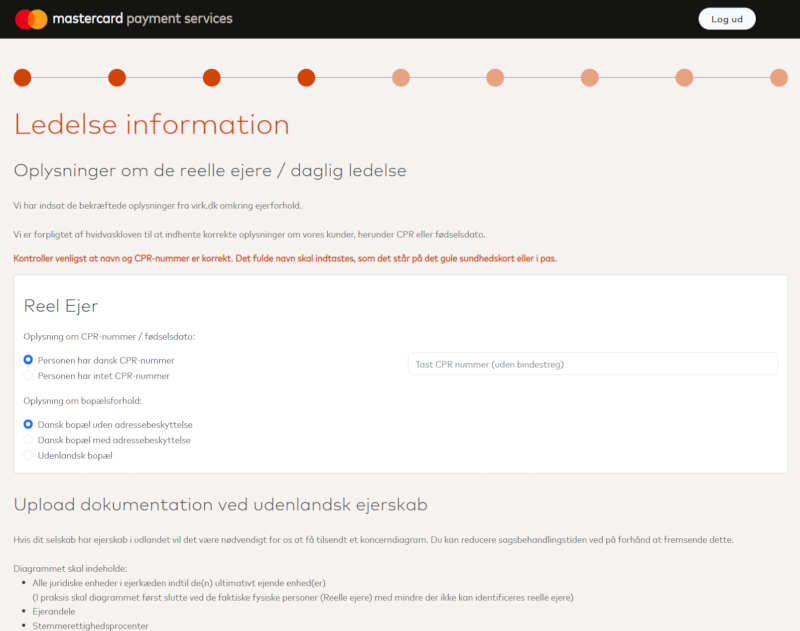
5
Signing authorities
Review the signing authorities information. Add yourself, and all required personnel. Click Save & Next to continue.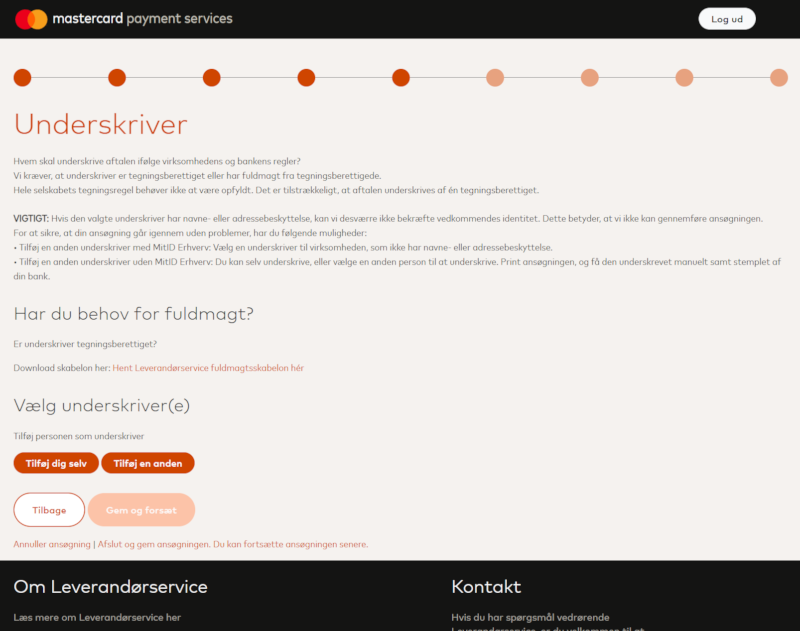
6
Account and billing
Fill in the bank account information for the company. This is where payments will be deposited. Click Next to continue.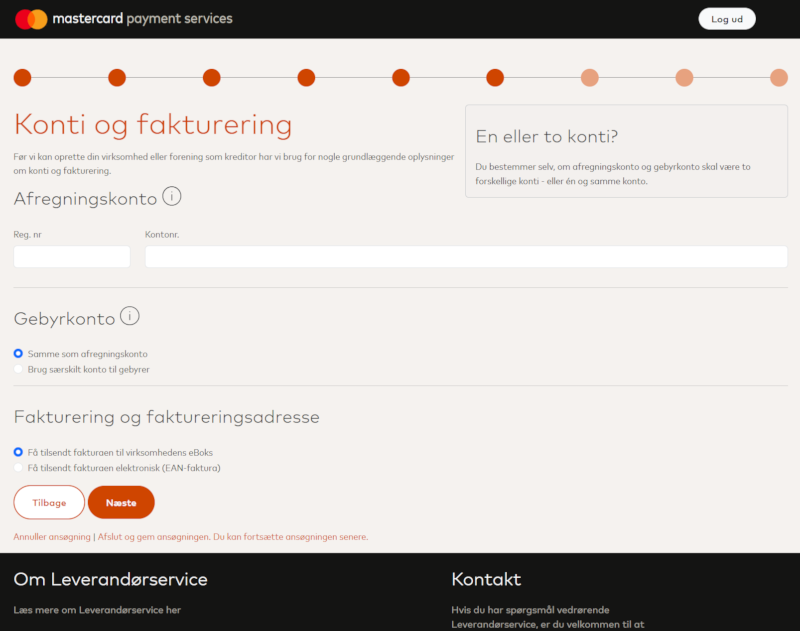
7
Dataprocessor
Select Use external Dataprocessor and type 38571583 as the ID-number. Select Yes, send detailed payment information. Click Next to continue.Specifying Debitdirect as the dataprocessor ensures that payment information is correctly relayed to Debitdirect for processing.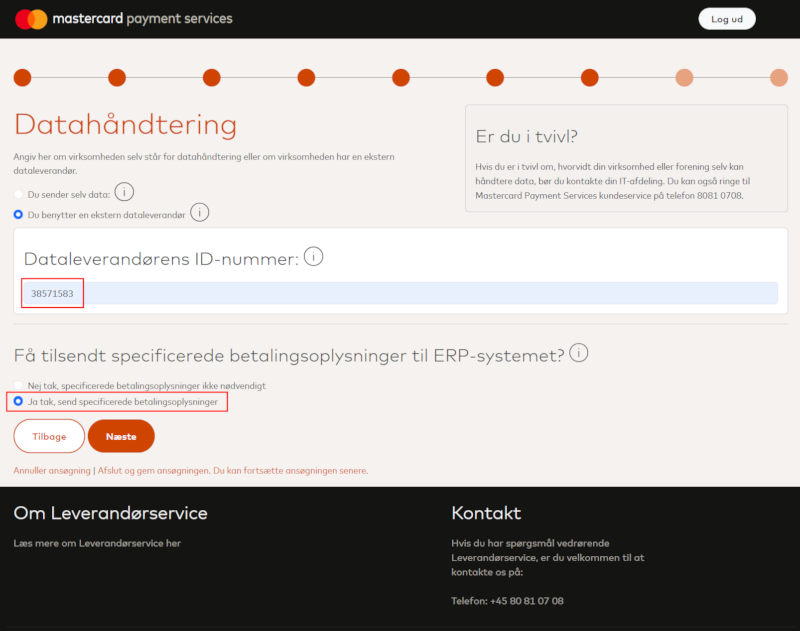
8
Access Manager
Select who should have access to the agreement. Click Next to continue.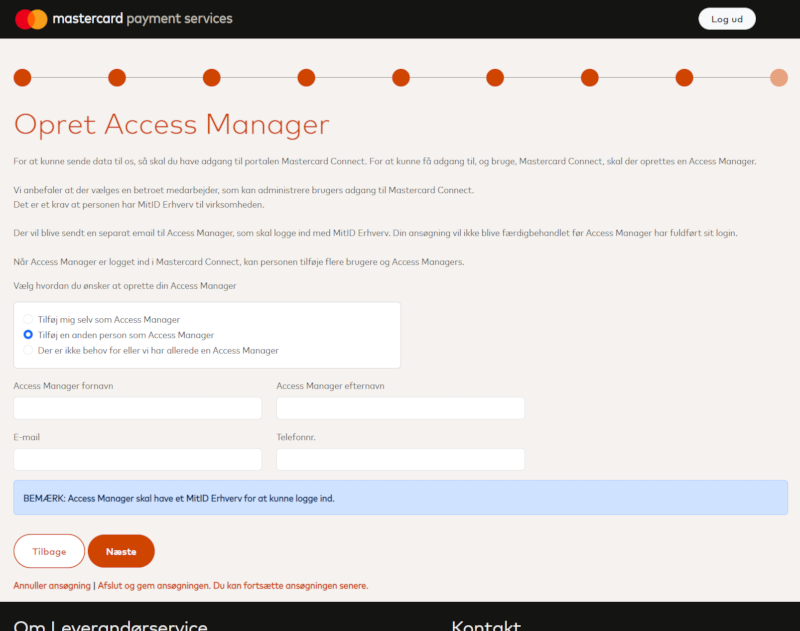
9
Confirmation
Review all information and confirm the agreement. Click Approve to complete the application. You are passed to the agreement document. View it carefully and sign it using NemID or MitID.
Enable Debitdirect to setup mandates
To allow Debitdirect to setup mandates on your behalf, you need to contact Leverandørservice using this form.- Type in the company information including CVR number, company name, merchant number, contact information etc.
-
In the Message copy/paste the following text:
Please enable Debitdirect ApS (Dataprocessor number: 38571583) to create new mandates on our behalf (enable 510 Opret Betalingstilladelse). - Submit the form.
Recommendation
You should also decide on a maximum transaction amount and a maximum daily amount with your bank when creating the agreement. This is for the bank to have an idea on what amounts are to be charged or paid out each day.
- Transaktions maksimumsbeløb. The maximum amount that can be charged or paid out per debitor per banking day.
- Dags maksimumbeløb. The maximum amount that can be charged or paid out for all debitors combined per banking day.
Adding the agreement to Debitdirect via API
Once you get the letter in e-boks, follow this step to continue. Add the agreement as follows:Pending until Debitdirect have verified the agreement. This happens automatically. Once your agreement is ready, the state of the agreement will be Active.